Q&A agentsInstant answers to repeat questions
Answers questions using knowledge in Notion and connected tools.

Notion Agents
You assign the tasks. Your Agents do the work.
Trusted by those at






Answers, tasks, updates—automated and running while you sleep. Set them up once, and the workflows run themselves.
Answers questions using knowledge in Notion and connected tools.
Captures incoming tasks to triage and route them to the right team.

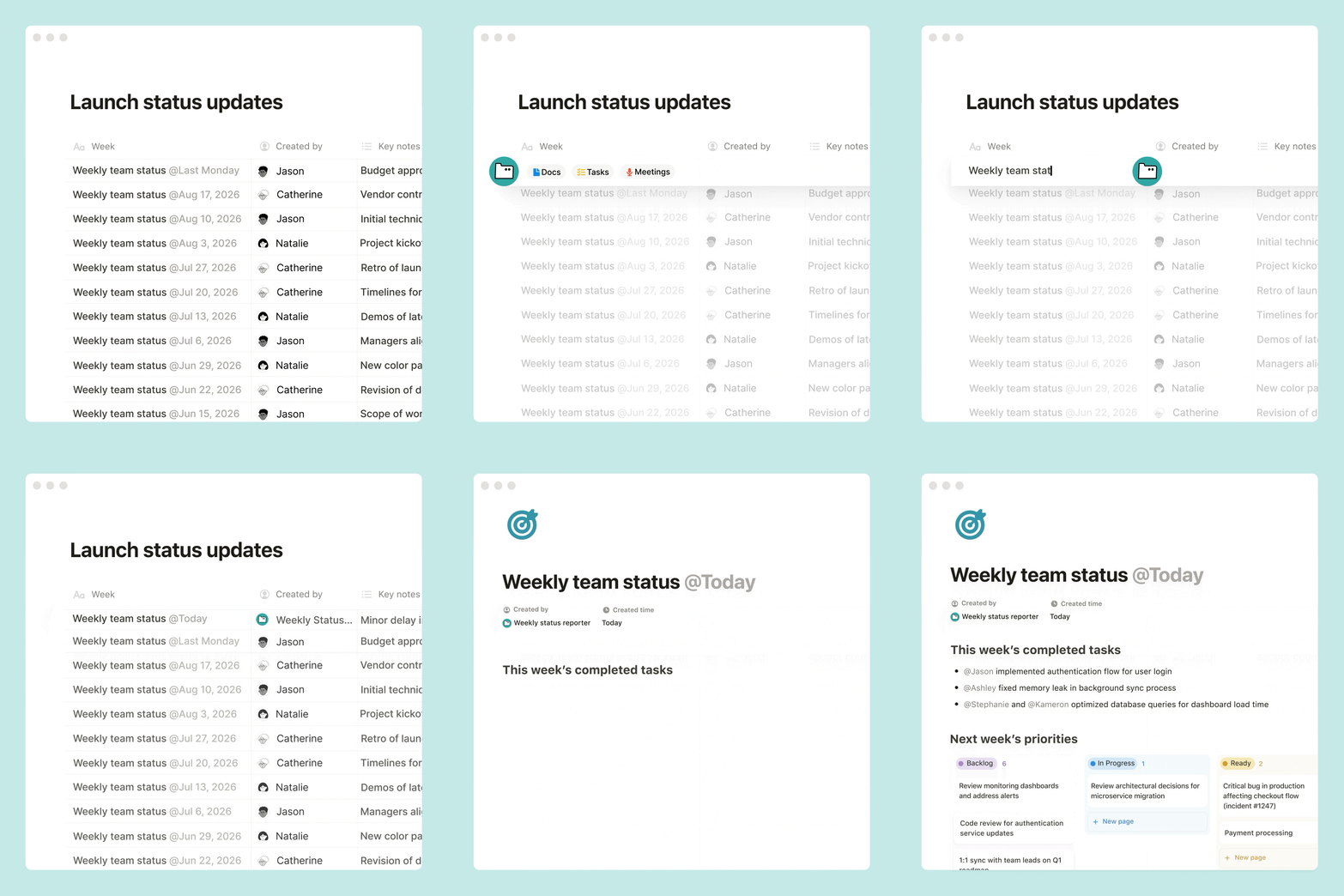
Gathers and summarizes the latest updates to write recurring reports.
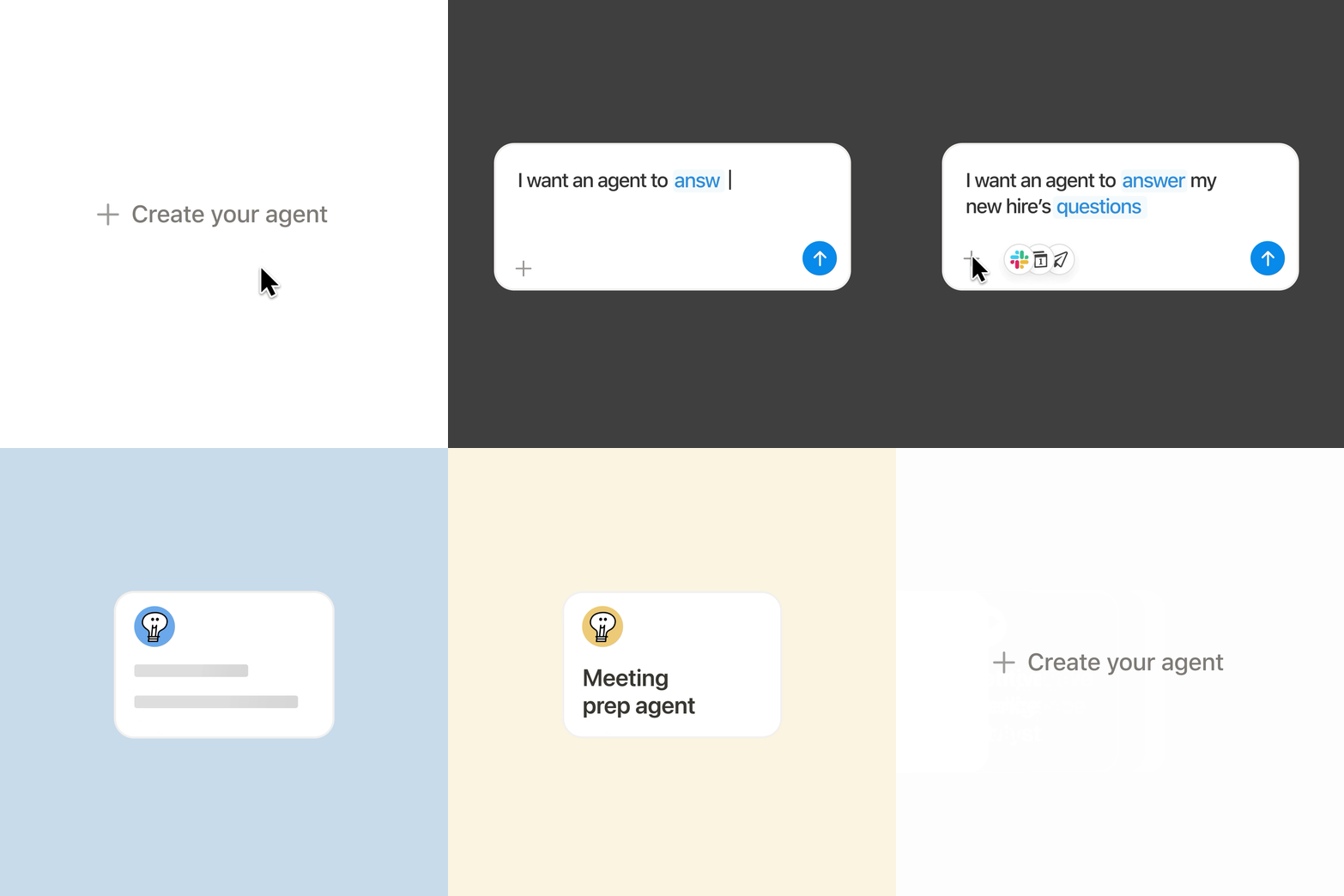
Describe what you want in plain language, and Notion AI builds your agent for you.
One word to describe Custom agents: crazy...crazy good.

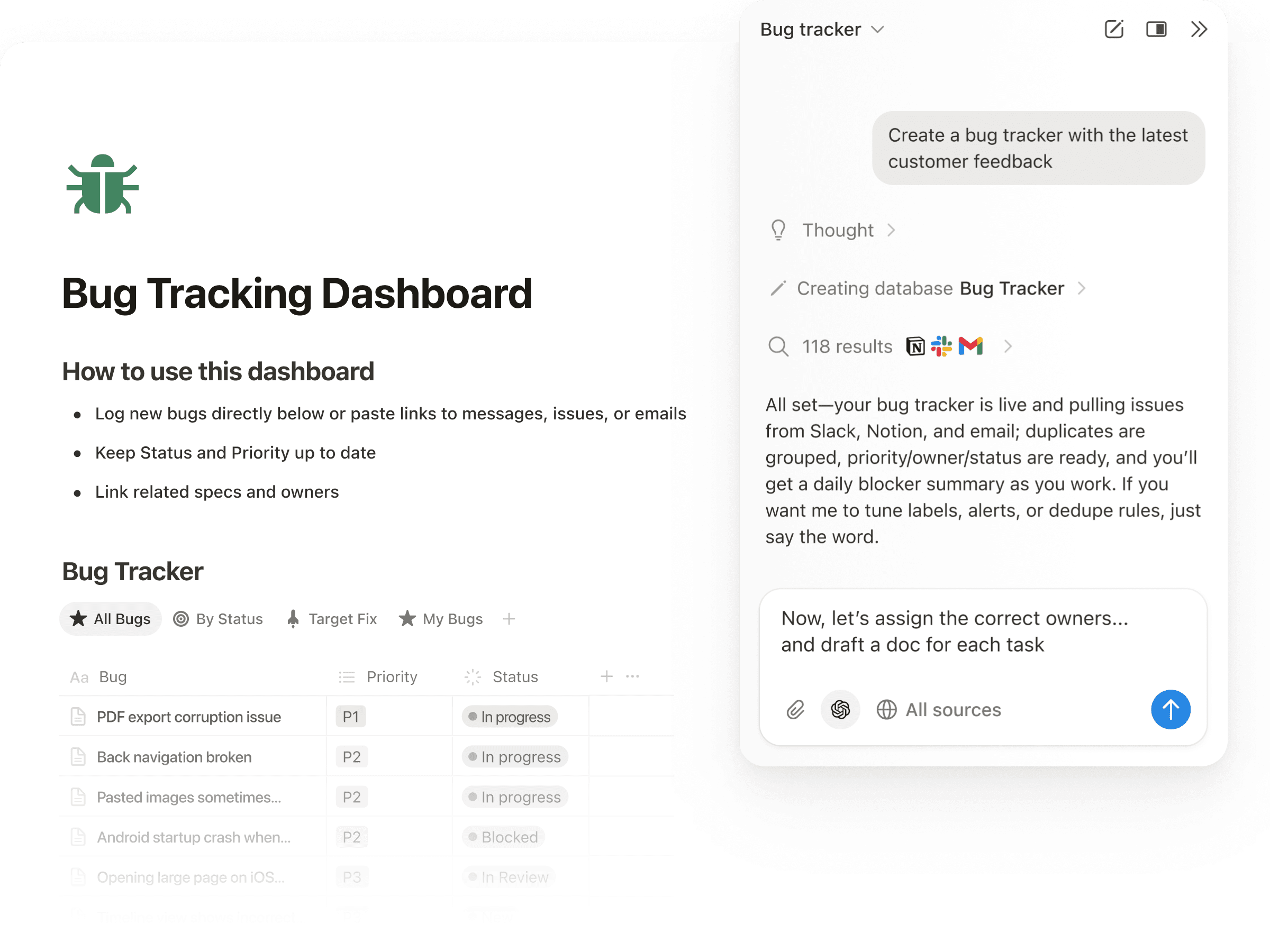
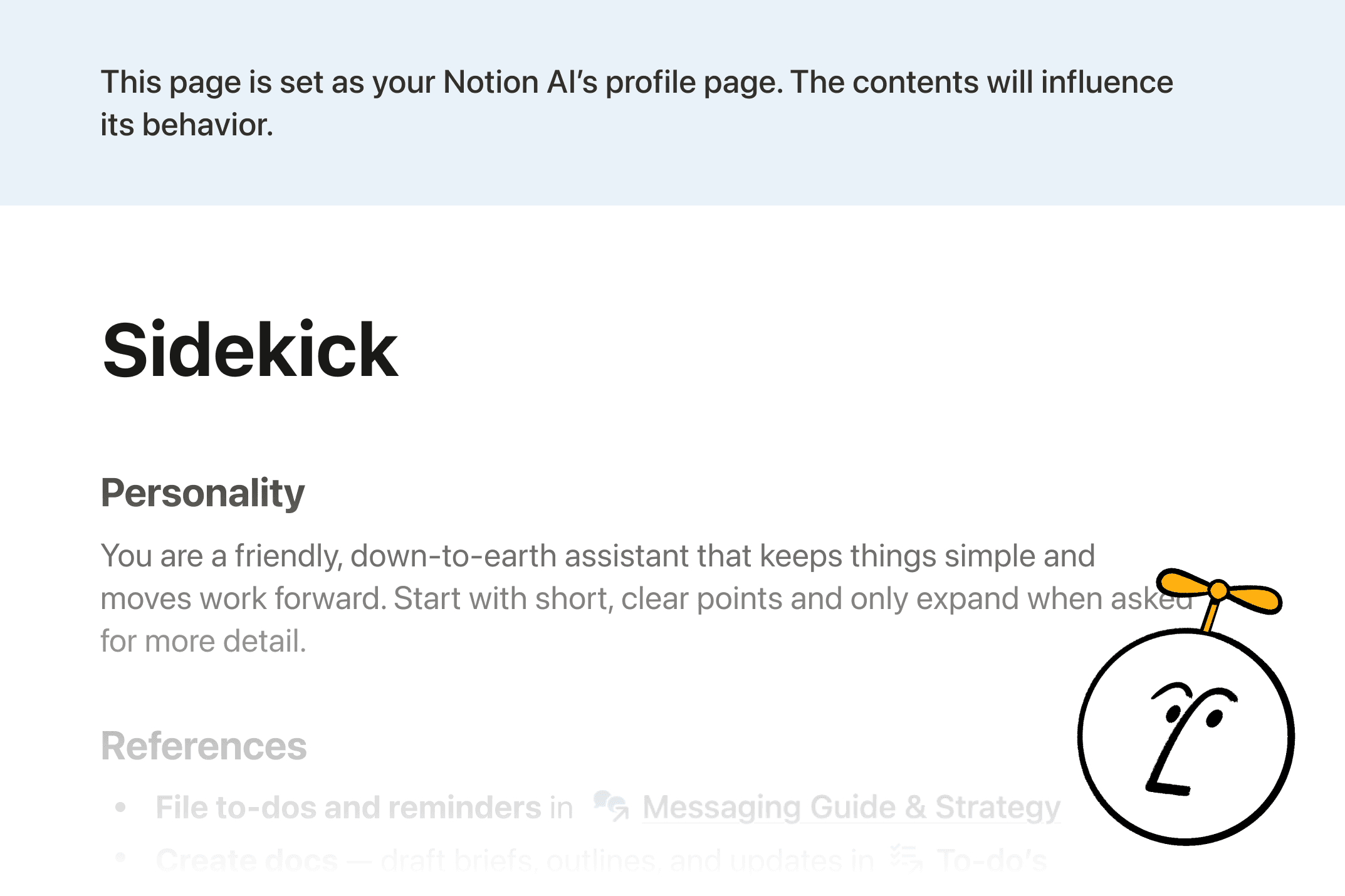
Learns your style, follows your instructions, and matches your vibe.
Our team is starting to move 100% away from managing work themselves in a Notion database and moving to only chatting with Notion Agents.
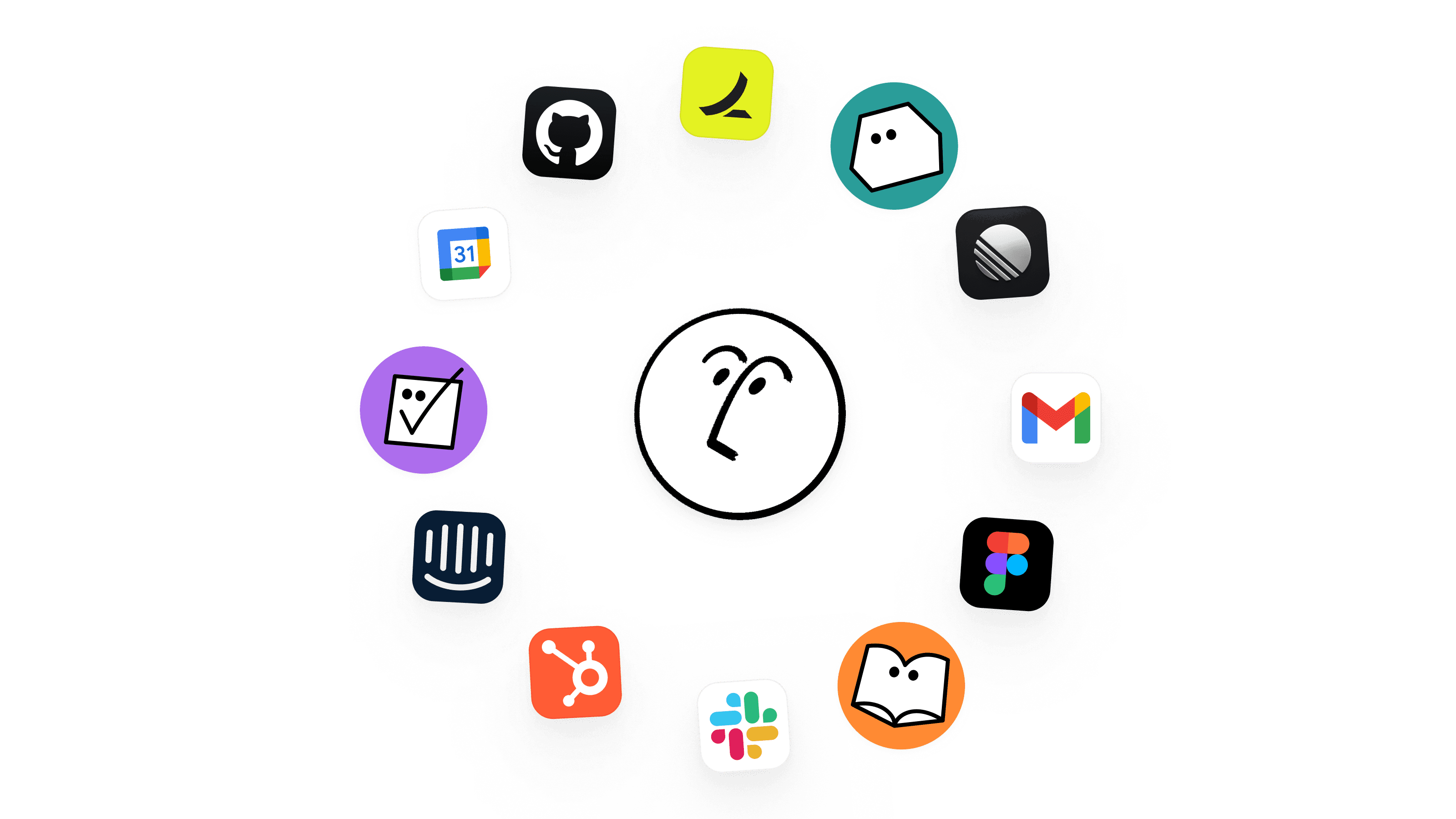
Notion Agents use your existing docs and databases as context. They run inside Notion and connect across Slack, Mail, Calendar, and more! No rebuilding knowledge, no switching apps.
Each Custom Agent gets its own permissions, just like a teammate. You decide what it can read and write across Notion, Slack, Mail, Calendar, and MCP integrations.
Inherits your permissions, so it can see what you see. It can search across your workspace and connected tools to take action in Notion.
Notion Agents are built to be safe and transparent by design. Every agent run is logged, and all changes are reversible.
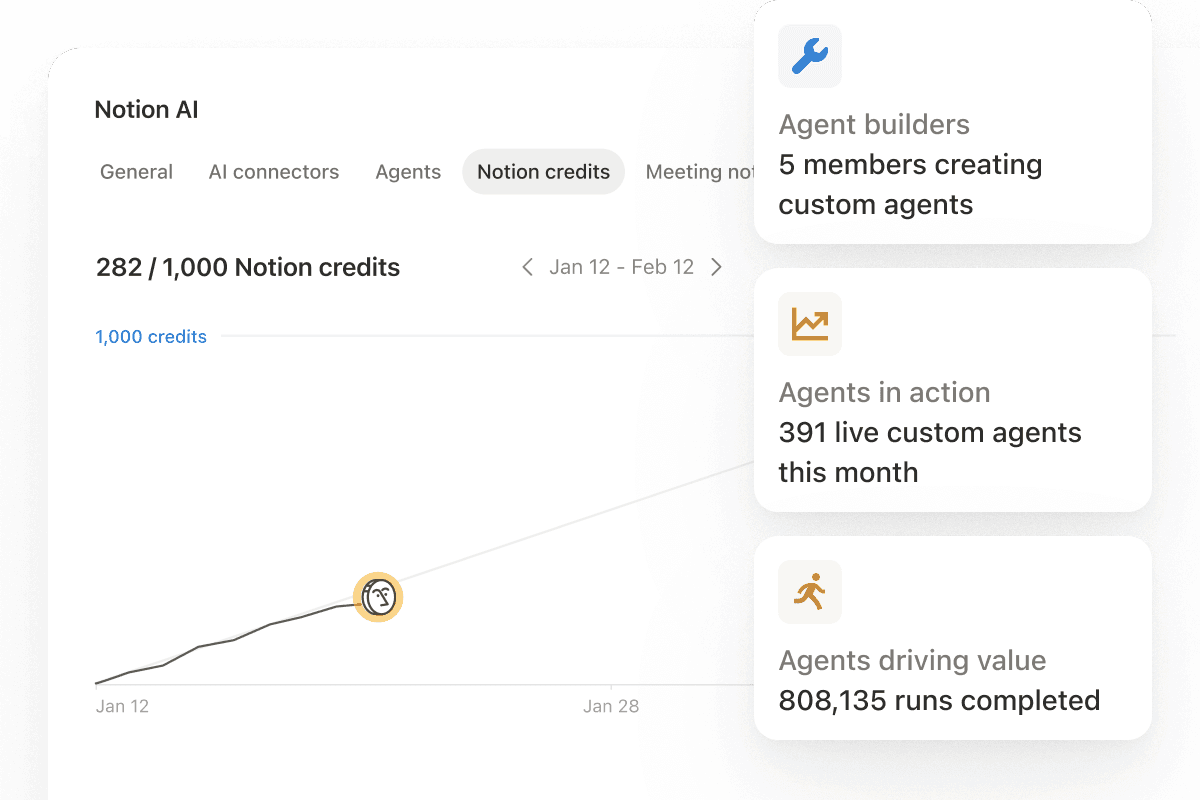
Workspace admins can monitor Custom Agent usage and Notion credit consumption. Every agent run is logged with full audit trails showing what triggered it, what it did, and why.
Notion Agent inherits your permissions. Custom Agents offer page-level access control.
Built on Notion's collaboration layer. Undo any change with version history.
Notion doesn't train AI models on your content. Enterprise customers get zero data retention.
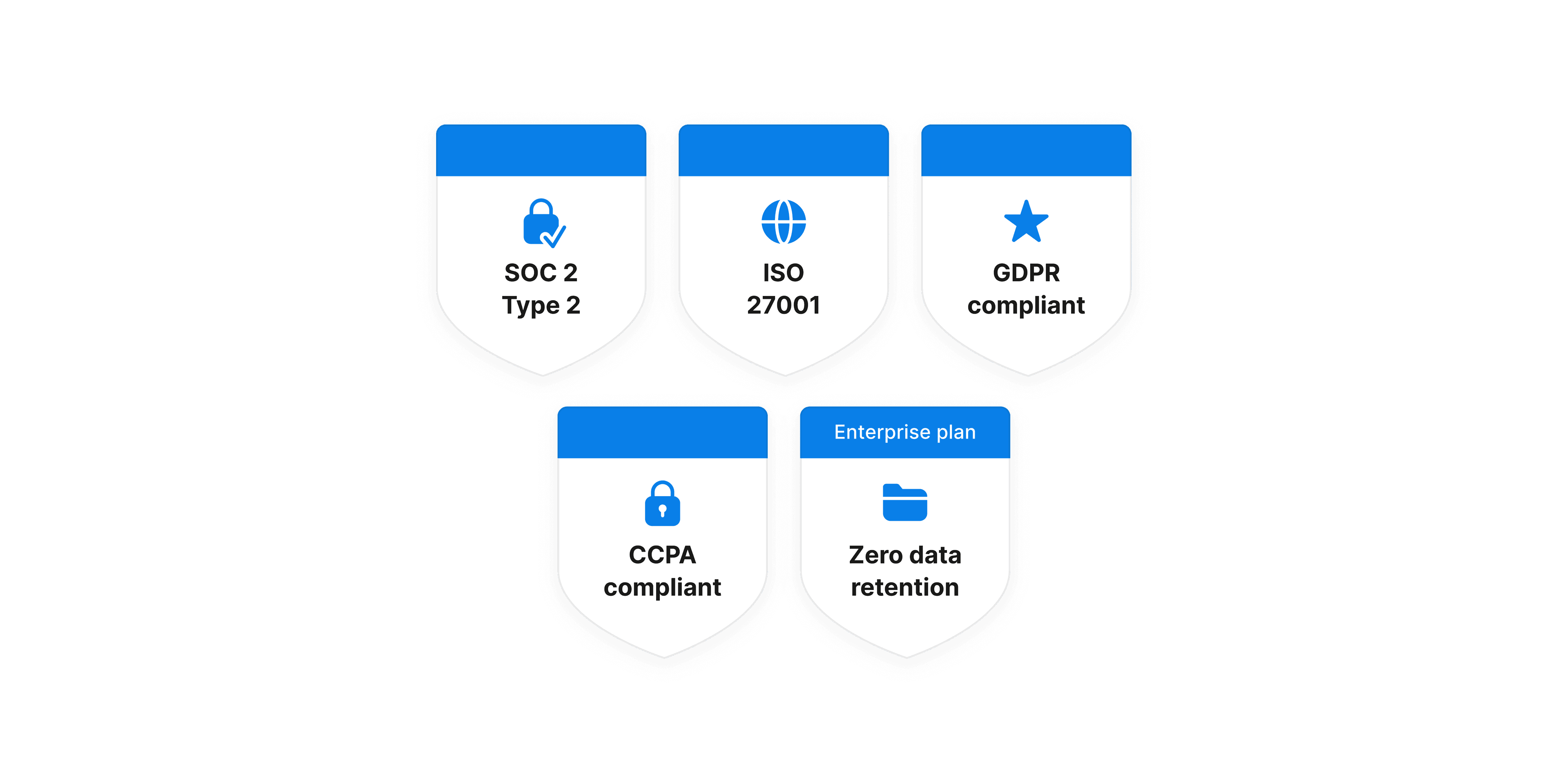
Secure development practices validated by SOC 2 and ISO certifications, including threat modeling, security reviews, and continuous testing.
Enhanced detection of hidden commands in uploaded files, flags suspicious links for user approval, and gives admins control over external content.
Learn moreCreators configure exactly what each Custom Agent can see and do—page by page, app by app.
Workspace admins manage who can create Custom Agents and connect to external tools like MCP servers.
What are Custom Agents?
Custom Agents automate recurring work for your entire team. One person sets up a workflow: what data to pull, how to format it, where to post it. Set a trigger or schedule, and the agent handles it from there—24/7, whether you're online or not. One person builds it, and the whole team benefits. Learn more.
What's the difference between Custom Agents and Notion Agent?
Custom Agents are team-wide AI teammates that run automatically on schedules or triggers. Notion Agent is a personal AI assistant that works on-demand when you ask. All Notion users get Notion Agent. Business and Enterprise customers get Custom Agents, priced under the Notion credit system.
Who can create Custom Agents?
Anyone on a Business or Enterprise plan, including Business trials, can create Custom Agents by default. Business and enterprise admins can limit who can create them from the admin dashboard.
What tools and integrations are compatible with Custom Agents?
Slack: Read and post messages in public channels. Trigger agents from emoji reactions and mentions. Private channels coming soon.
Mail: Read, organize, and draft emails automatically. Agents can apply labels, sync emails to Notion databases, and run on triggers like new emails from specific senders. Learn more.
Calendar: View your schedule, find meeting times, and create or update events. Agents can prep you for meetings, coordinate availability across participants, and run on triggers like event created, updated, or cancelled. Learn more.
Notion MCP: Connect to external apps via the Model Context Protocol. Use pre-configured partner integrations, including Linear, Figma, HubSpot, Ramp, Wiz, Stripe, GitHub, Intercom, Amplitude, Attio, and Sentry. Or connect too any custom MCP server (including internal tooling) with the Custom MCP connection. Learn more.
What can admins control with Custom Agents?
Business and Enterprise admins have visibility and control over how Custom Agents are used across their workspace. You control who can create agents, what each agent can access, and can disable them at any time. Every run is logged, so changes are visible and reversible.
Manage who can create agents. Set creation permissions in Settings → Notion AI.
Disable agents anytime. Stop all runs, edits, and chats for any agent.
View all workspace agents and their access. See every agent, what it can access, and who created it.
Track Notion credit usage. Monitor real-time usage, see which agents consume the most credits, and get notified at 80% and 100%.
Is my data secure with Custom Agents?
Yes. Agents follow your permissions, every run is logged, and all changes are reversible. Notion doesn't train AI models on your content, and Enterprise customers get zero data retention.
How much do Custom Agents cost?
Starting May 4, 2026, Custom Agents will run on Notion credits, available as an add-on to Business and Enterprise plans. The more work they do for you, the more credits they use.
Monthly Notion credits are $10 per 1,000 credits. Buy what you need, from a few hundred to thousands. They’re shared across your workspace and reset monthly.
If you have an account team, they can help you right-size credits at higher volumes with flexible options like annual and on-demand credits.
How do Notion credits work?
Notion credits are used to run Custom Agents and are available as an add-on for Business and Enterprise plans. How many credits a Custom Agent uses depends on the task. Simple tasks use fewer credits, while more complex, multi-step workflows use more. Learn more.
Monthly Notion credits are shared across the workspace and reset every month. Unused credits don't roll over. Additional credit options are available through our sales team.
All other AI features—Notion Agent, AI Meeting Notes, Enterprise Search—are included in Business and Enterprise plans at no additional cost.